Accessing Samadhan & EKP
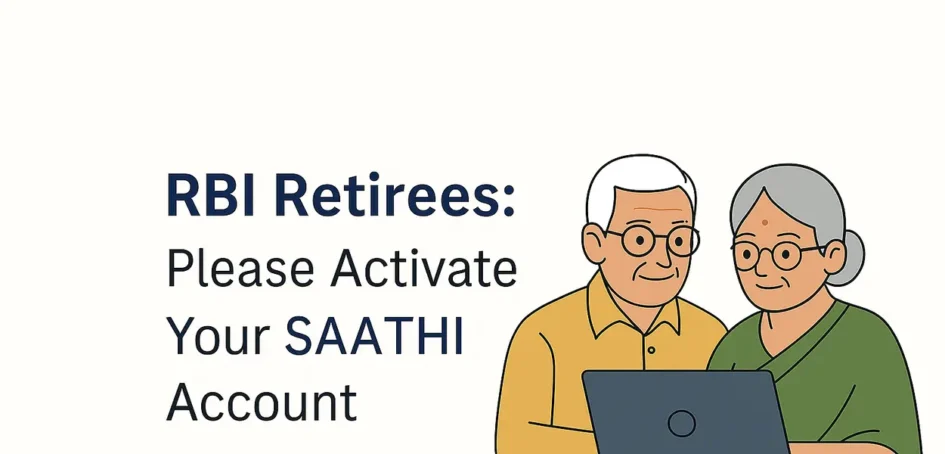
The Reserve Bank of India has launched a new digital platform — RBI SAATHI (Sustained Assurance and Trusted Help Interface) — designed especially for retired employees. This secure and user‑friendly application gives access to Samadhan and EKP ((Enterprise Knowledge Portal),
With SAATHI, retirees can stay connected with essential services of the Bank through a simple login using their personal email ID registered with the Pension Drawing Cell.
Why SAATHI?
- Continued access to Samadhan and EKP
- A centralized, secure login for retired employees
- A simple onboarding process using your personal email ID
- A dedicated helpdesk for smooth support
EKP (Employee Knowledge Portal)
Under EKP, you can view:
- 📰 RBI Circulars
- 📘 RBI Newsletters
- 🏛️ In-House Magazine
- 🗞️ News Summary
These resources help you stay informed about RBI updates and internal communications.
🔷 Samadhan
Under Samadhan, you can access:
- 📄 Pension Slips (available since 27 April 2016)
- 🧾 Form 16 for income tax filing
- 📊 Income Tax Summary
- 📘 User Manual for Samadhan
This section ensures you have secure access to your financial records and tax documents.
This initiative reflects RBI’s commitment to ensuring that retirees remain connected with the Bank’s services in a safe and convenient manner.
What You Need to Do
1. Check Your Personal Email
You will receive an activation link from the SAATHI Support Team on your registered personal email ID.
2. Follow the Onboarding Instructions
The email will guide you through:
- Activating your SAATHI account
- Setting your password
- Verifying your mobile number
- Logging in to access Samadhan and EKP
The process is simple and designed with retirees in mind.
Important Note for Retirees Using RBI Email IDs
If you still use your RBI email ID (xxx@rbi.org.in):
- You may continue using it for Outlook or Outlook Web Access through the Ekamev portal.
- However, Samadhan and EKP will now be accessible ONLY through the SAATHI application using your personal email ID.
Please activate SAATHI to avoid any interruption in access.
Need Help? SAATHI Helpdesk Is Ready to Assist
A dedicated support team is available to guide you through onboarding.
You may contact:
📧 saathisupport@rbi.org.in
📞 Your Pension Drawing Cell
They will assist with email updates, activation issues, or any clarification you may need.
User Manual Available
A detailed SAATHI User Manual has been provided along with the communication. It contains step‑by‑step instructions with screenshots to help you navigate the portal easily.
Leave a Reply
You must be logged in to post a comment.