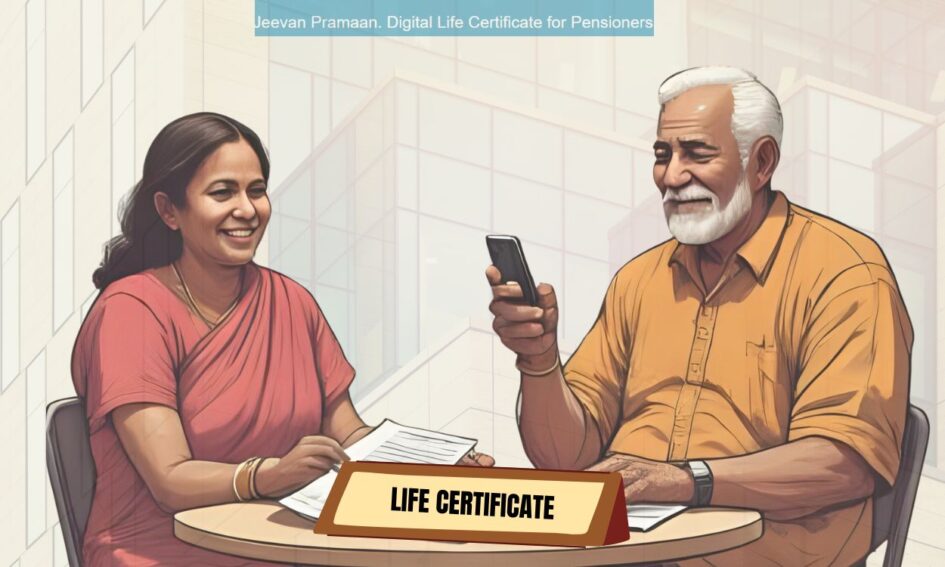
Every year, RBI pensioners are required to submit their Life Certificate to continue receiving pension. This year, the submission window is:
- November 1 to November 30, 2025
- For senior pensioners (80+): October 1 to November 30, 2025
Special Note for Senior Pensioners (80+)
You may submit your Life Certificate from October 1, 2025 onwards till November 30, 2025. It will remain valid till November 2026.
- Non-submission within this period will result in pension halt from December 2025.
Two Ways to Submit Your Life Certificate
1️⃣ Hard Copy Submission
- Visit your respective RBI office in person, or
- Send the duly signed and attested Form 14 along with undertakings in via post/courier to:
- For all offices : To respective Pension cells of the Pension disbursing RBI office concerned.
- New Delhi Pension cell address:
- Assistant General Manager Central Establishment Section (HRMD) Pension Cell, Reserve Bank of India 6, Sansad Marg, New Delhi – 110001
undertaking and Downloadable forms:
- Form 14 Life Certificate
- Form 13 and Form 13A (Undertaking)
- Form 16 (only for family pensioners submitting hard copy)
Digital Life Certificate (DLC): A Guide for First-Time Users
The Jeevan Pramaan portal offers a paperless, Aadhaar-based method to submit your Life Certificate from home or a nearby Jeevan Pramaan Kendra.
✅ Pre-requisites:
- Aadhaar number linked to your pension account
- Android smartphone/iPhone or PC with internet
- Biometric device (for PC) or front camera (for mobile)
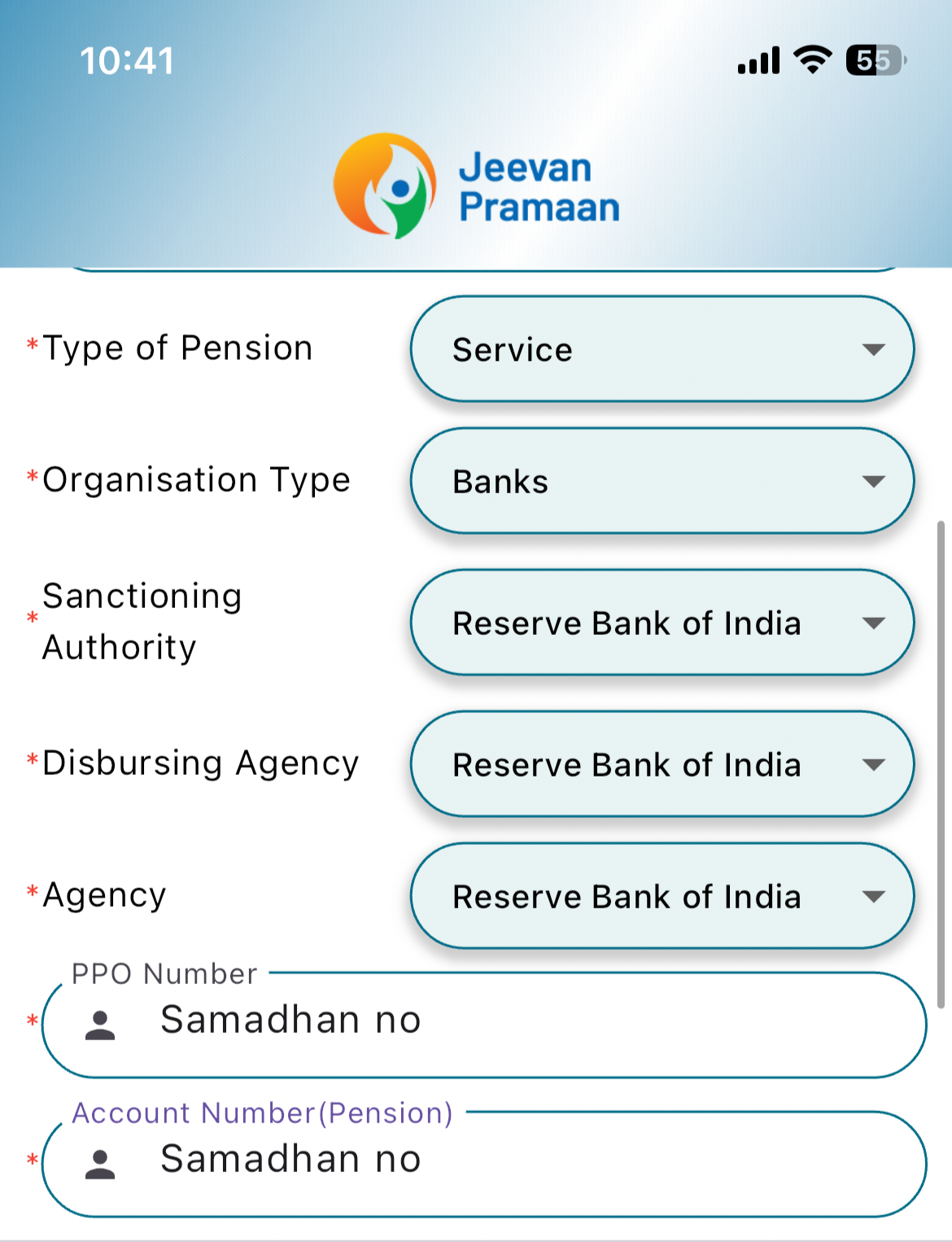
- Your Samadhan ID (6-digit PPO number)
Mobile App Method (Face Authentication):
This is the easiest method for most pensioners. Here’s how:
- Download two apps from Google Play Store/ App store(iPhone):
AadhaarFaceRd Download and Install AadhaarFaceRD App:
Jeevan Pramaan Face App Download and Install Jeevan Pramaan Face Application.

The Jeevan Pramaan Face App (Android/iOS) does not require a biometric device, as it uses the mobile phone’s camera to capture the face. Android users can use biometric device , if required.
Authenticate yourself:
Operator Authentication:
This is a one time process. Pensioner can be the Operator as well.
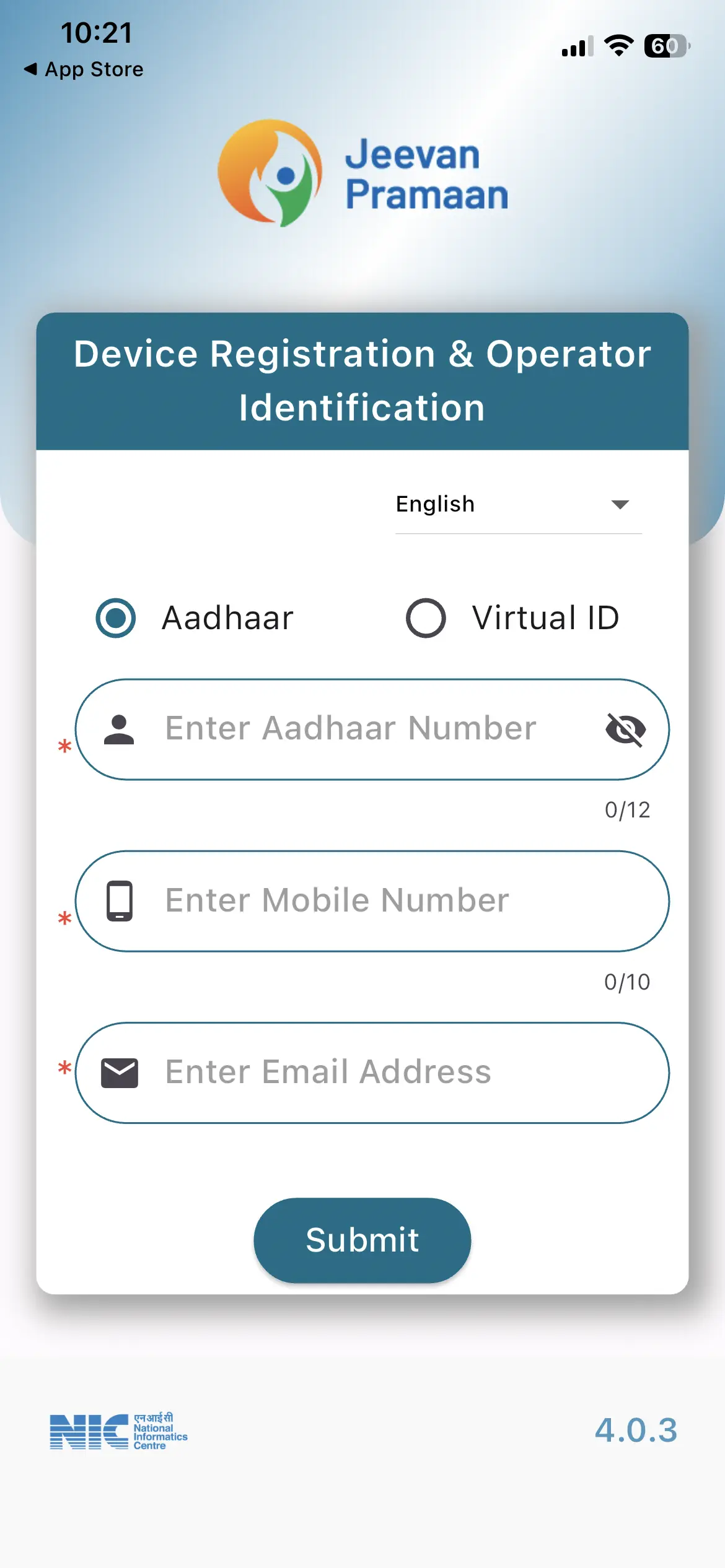
- Open AadhaarFaceRd for operator authentication
- Use Jeevan Pramaan Face App to capture your photo and submit the certificate
Pensioner Authentication:
Fill in the pensioner details and Aadhaar based FaceAuthentication of Pensioner.
- Confirmation:
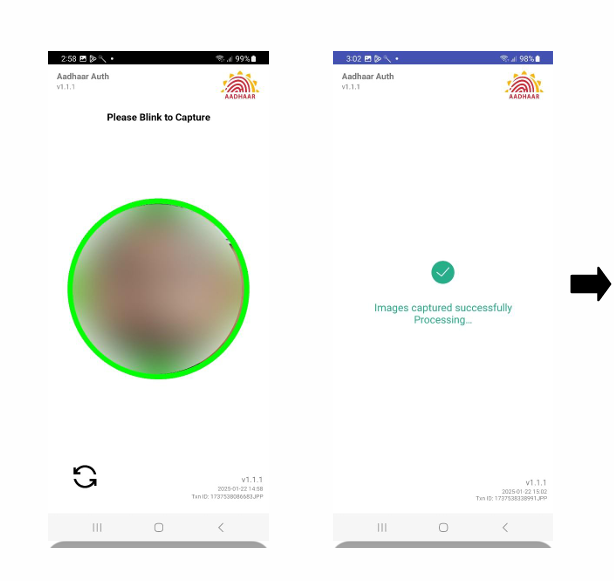
- Your DLC will be auto-synced with Samadhan Bangalore
- No need to send Form 16 separately if submitted digitally
- further details in
- User Manual for android
- User Manual for iPhone
Income Tax Proofs (Old Regime)
If you’ve opted for the old tax regime, please ensure you submit actual proof of savings for upload in Samadhan
Leave a Reply
You must be logged in to post a comment.